
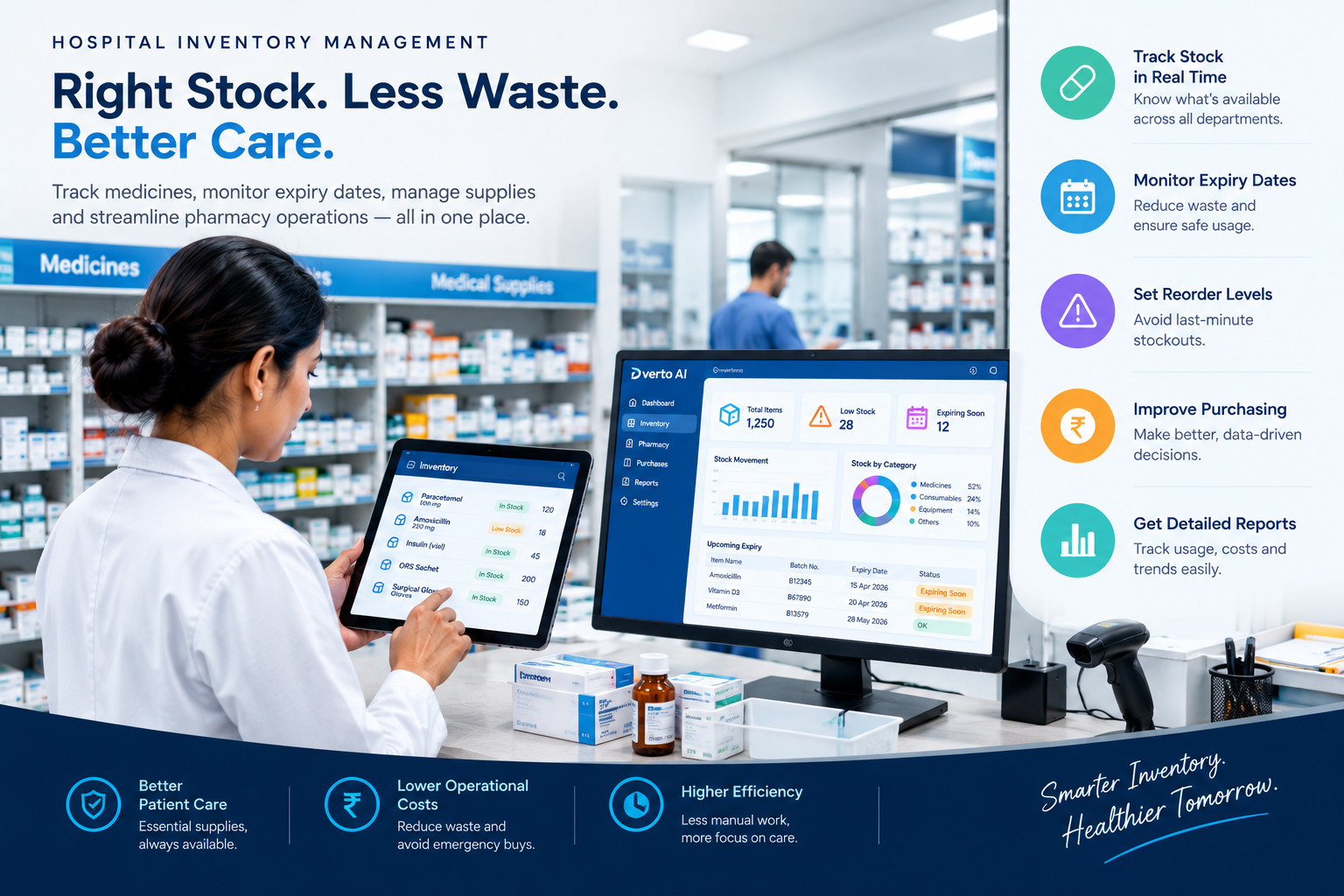
A hospital’s quality of care depends on more than doctors, nurses, and medical equipment. It also depends on whether the right medicines, surgical supplies, laboratory materials, and other essential items are available when they are needed.
Imagine a patient arriving for treatment, only for the hospital staff to discover that an essential medicine is out of stock. In another situation, a pharmacy may have sufficient supplies but still lose money because medicines expire before they are used. These challenges can affect patient care, increase operating costs, and create additional work for hospital staff.
For many healthcare facilities in India, managing inventory through paper registers, spreadsheets, or disconnected systems makes these problems harder to prevent.
Digital inventory management offers a more organized way to track hospital supplies, monitor expiry dates, coordinate departments, and make purchasing decisions. This article explains how hospitals can improve inventory and pharmacy operations using digital tools.
What Is Hospital Inventory Management?
Hospital inventory management is the process of tracking the medical and non-medical supplies a healthcare facility purchases, stores, distributes, and uses.
It can include:
Medicines and pharmacy stock
Surgical instruments and consumables
Laboratory reagents and testing materials
Personal protective equipment
Dressing materials and disposable medical supplies
Cleaning products and general hospital supplies
The objective is to maintain an appropriate stock level without purchasing more than the hospital needs.
Too little inventory can interrupt treatment, while excessive inventory can tie up money and increase the risk of expiry, damage, or wastage. A well-organized system helps hospitals balance availability, cost, and storage requirements.
Why Traditional Inventory Methods Can Become Difficult
Manual processes may work for a small facility with limited stock. However, as the number of patients, departments, and medicines increases, maintaining accurate records becomes more complicated.
1. Unclear stock availability
When pharmacy, stores, and clinical departments maintain separate records, staff may not have a consistent view of available supplies. An item might appear available in one register but already have been issued or reserved elsewhere.
2. Expired medicines and avoidable waste
Medicines and certain medical products have limited shelf lives. If expiry dates are not monitored systematically, staff may overlook products that need to be used first, transferred appropriately, or removed from usable stock.
3. Last-minute purchasing
Without reliable information about consumption and current stock, purchasing teams may discover shortages only when an item is urgently required. This can lead to rushed procurement and unnecessary operational pressure.
4. Difficulty tracking batches
Batch numbers are important for traceability, especially when a product is recalled or a quality concern arises. Searching through paper records can make it difficult to identify affected stock quickly.
5. Limited visibility into costs
If purchase records, stock issues, and consumption reports are maintained separately, hospital administrators may struggle to understand where supplies are being used and which items require closer monitoring.
These challenges are not simply storage problems. They can affect budgeting, staff workload, and the continuity of hospital operations.
How Digital Inventory Management Helps Hospitals
A digital inventory system creates a more structured process for recording and monitoring stock movements.
Depending on the software and its configuration, hospital teams can use it to perform several important tasks.
1. Maintain a centralized stock record
A centralized inventory record gives authorized staff a common view of stock received, issued, transferred, and remaining.
For example, when a pharmacy receives a delivery of medicines, the team can record the item details, quantity, batch number, supplier, and expiry date. When medicines are subsequently issued, the stock balance can be updated in the system.
This reduces dependence on separate registers and makes it easier to investigate differences between recorded and physical stock.
2. Monitor expiry dates and batches
Expiry management should be a routine part of pharmacy operations rather than a task performed only during periodic inspections.
A suitable digital system can help staff identify batches approaching their expiry dates and organize stock accordingly. Hospitals can also adopt the FEFO principle: First Expired, First Out. Under this approach, eligible products with the earliest expiry dates are prioritized for use.
Staff must still verify product suitability, storage conditions, and applicable clinical procedures. Digital alerts support these checks but do not replace professional judgment.
3. Set reorder levels for essential supplies
Hospitals can define minimum stock levels for frequently used or critical items. When stock approaches a configured threshold, the system can help notify the responsible team that replenishment may be required.
Reorder levels should reflect actual consumption, supplier lead times, available storage, budget constraints, and the clinical importance of each item.
For instance, an emergency department may need a different replenishment policy for essential emergency supplies than a department handling products with predictable, low usage.
4. Improve purchasing decisions
Inventory reports can help purchasing teams understand which products are consumed regularly, which remain unused for long periods, and which experience frequent shortages.
This information can support better purchase planning and supplier coordination. Rather than relying entirely on estimates, administrators can use recorded consumption and stock movement to make more informed decisions.
However, historical usage should be reviewed alongside seasonal demand, planned procedures, emergency requirements, and changes in treatment protocols.
5. Track stock movement between departments
Hospitals often distribute supplies across several locations, including the central store, pharmacy, wards, laboratories, and operation theatres.
A digital system can record transfers between authorized locations, helping staff identify where stock is held and who is responsible for maintaining the relevant records.
This is particularly useful when the same product is stored in multiple locations or when administrators need to investigate an unexpected stock difference.
6. Generate inventory and consumption reports
Reports can turn everyday stock transactions into information that supports management decisions.
Depending on the system, useful reports may include:
Current stock and low-stock items
Medicines approaching expiry
Purchase history and supplier records
Department-wise consumption
Stock adjustments and discrepancies
Fast-moving and slow-moving products
Regularly reviewing these reports helps administrators identify recurring problems and improve inventory policies over time.
Connecting Pharmacy, Stores, and Hospital Operations
Inventory management becomes more useful when it fits into the hospital’s wider operational workflow.
For example, a pharmacy transaction may need to connect with billing, patient records, purchasing, and stock reporting. A hospital that uses disconnected systems may have to enter the same information multiple times, increasing the possibility of mistakes.
An integrated platform can reduce unnecessary duplication when the relevant modules are connected and configured correctly.
Hospitals evaluating this approach can explore hospital information system software to understand how digital hospital operations may be organized within a broader system. Before selecting a platform, administrators should confirm which pharmacy, inventory, billing, reporting, and integration features are actually included.
Integration should also preserve appropriate access controls. Staff members should only be able to access or modify information required for their responsibilities.
The Role of Data Accuracy and Staff Training
Buying software is only one part of improving inventory management. The quality of the information entered into the system is equally important.
If product names are duplicated, opening stock is inaccurate, or stock issues are recorded late, reports may be misleading even when the software works correctly.
Hospitals can improve data quality through a few practical steps:
Standardize item names. Use consistent product descriptions, units, and identifiers to reduce confusion between similar items.
Record batch and expiry details. Capture the necessary information when stock is received and maintain it throughout the inventory lifecycle.
Assign clear responsibilities. Define who can receive stock, approve adjustments, issue products, and review discrepancies.
Perform physical stock checks. Compare system balances with actual stock regularly and investigate differences.
Train staff using real workflows. Pharmacy and store teams should practise receiving deliveries, issuing stock, recording returns, and handling damaged or expired products.
Review reports consistently. Assign responsibility for checking low-stock alerts, approaching expiry dates, and unusual consumption patterns.
These steps help ensure that digital records remain useful in daily operations.
Protecting Medicine Quality and Inventory Information
Inventory management involves more than knowing how many products are available. Hospitals must also maintain appropriate storage conditions, protect sensitive operational information, and follow applicable regulatory and clinical requirements.
Digital records can support traceability, but they cannot independently guarantee product quality. Staff must continue to follow manufacturer instructions, temperature requirements, storage procedures, and applicable rules for handling expired or recalled products.
Hospitals should also evaluate user permissions, audit logs, backup procedures, and data protection practices when selecting inventory software. These safeguards are especially important when inventory transactions are connected to patient, pharmacy, or billing information.
How to Choose the Right Hospital Inventory Software
Not every hospital needs the same level of functionality. A small clinic, a standalone pharmacy, and a multi-department hospital may have very different requirements.
Before selecting software, consider the following questions:
Does it support the required inventory workflows? Check whether the system handles stock receipts, issues, transfers, batch tracking, expiry monitoring, and stock adjustments as needed.
Can it generate useful reports? Confirm that administrators can obtain accurate stock balances, consumption reports, and low-stock information.
Does it fit existing hospital processes? Evaluate whether the software can work with the hospital’s pharmacy, billing, purchasing, and other systems where integration is required.
Is it easy for staff to use? A complicated interface can discourage timely data entry and reduce adoption.
What training and support are available? Ask about onboarding, technical assistance, maintenance, and future updates.
What is the total cost? Consider implementation, customization, training, integrations, support, and recurring charges—not just the initial software price.
For a broader understanding of software budgeting, read this hospital management software pricing guide for India. Actual costs depend on the selected features, hospital size, deployment model, and implementation requirements, so hospitals should request a detailed quotation.
A Practical Roadmap for Implementing Digital Inventory Management
Hospitals do not necessarily need to digitize every process at once. A phased implementation can make the transition easier to manage.
Step 1: Review current inventory practices. Identify recurring shortages, expiry-related waste, stock discrepancies, and delays in purchasing.
Step 2: Clean up existing records. Standardize item names, units, supplier details, and other essential inventory information.
Step 3: Prioritize critical products. Begin with essential medicines and high-use supplies that require reliable availability and traceability.
Step 4: Configure stock rules. Establish appropriate reorder levels, approval responsibilities, and expiry-monitoring procedures.
Step 5: Train the relevant teams. Make sure staff understand how and when to record every stock movement.
Step 6: Monitor results. Review stock discrepancies, emergency purchases, expiry-related losses, and stockout incidents before and after implementation.
Step 7: Improve gradually. Use staff feedback and inventory reports to refine processes and expand the system where it provides value.
A phased approach allows the hospital to address practical problems while keeping day-to-day operations running.
Conclusion
Effective inventory management is essential for hospitals that want to maintain reliable supplies, control avoidable waste, and use their budgets responsibly.
Manual records and disconnected workflows can make it difficult to identify shortages, monitor expiry dates, and understand stock consumption. A suitable digital inventory system can provide better visibility, improve traceability, and support more informed purchasing decisions.
However, the best results come from combining appropriate software with accurate data, trained staff, regular physical checks, and clear accountability.
For hospitals in India, the goal should not simply be to digitize stock registers. It should be to build a dependable inventory process that supports clinical teams, protects resources, and helps essential supplies remain available when patients need them.
Disclaimer: Software capabilities vary by provider and configuration. Hospitals should verify specific features, integration options, security controls, and compliance requirements before implementation.
Got Questions? We've Got Answers
Q1 How does hospital inventory management software reduce medicine waste?
It helps hospitals identify medicines approaching their expiry dates, monitor stock levels, and prioritize eligible products with earlier expiry dates. These practices can reduce avoidable wastage when combined with proper storage and stock rotation.
Q2 What are the main features of hospital inventory management software?
Common features include real-time stock tracking, batch and expiry-date monitoring, low-stock alerts, purchase management, supplier records, department-wise stock transfers, and inventory reporting. Available features vary by software provider.
Q3 Can hospital inventory software integrate with pharmacy and billing systems?
Some hospital inventory solutions can integrate with pharmacy, billing, purchasing, and hospital information systems. Hospitals should confirm the availability of these integrations and the specific features included before selecting a solution.
Q4 How does hospital inventory management help control costs?
It can help hospitals identify excess stock, reduce avoidable expiry-related losses, monitor consumption, and make better-informed purchasing decisions. Actual savings depend on inventory accuracy, staff practices, supplier terms, and implementation quality.
Related Blogs
More in Healthcare
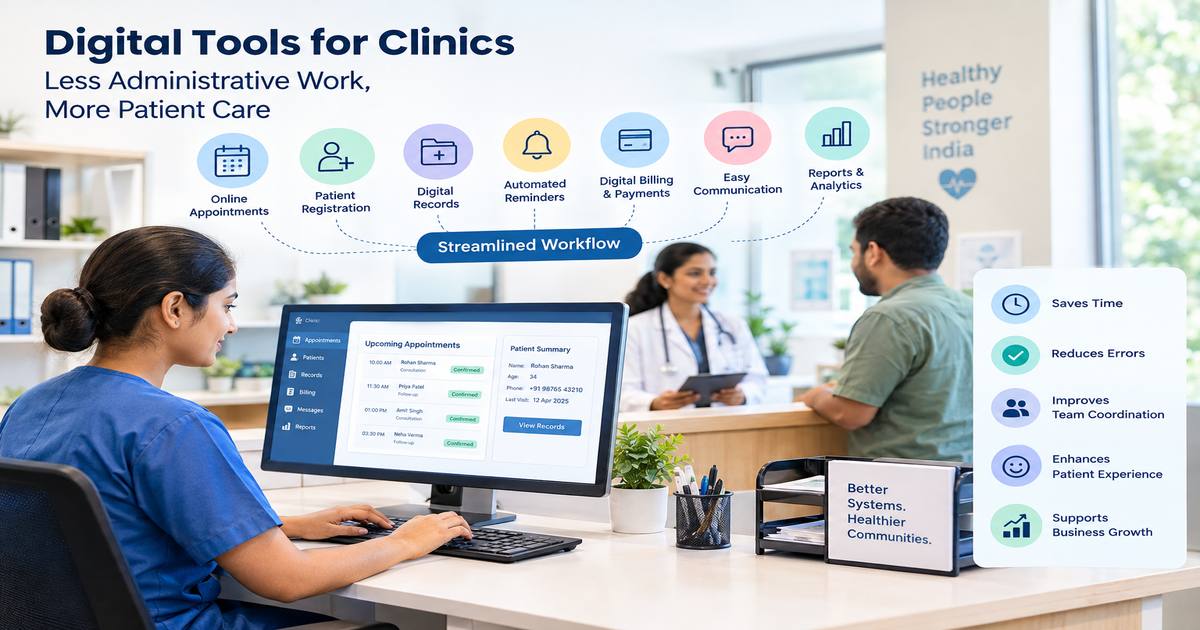
Clinic Management Software for Better Patient Experience
clinic management software patient experience in clinics, clinic management software India...
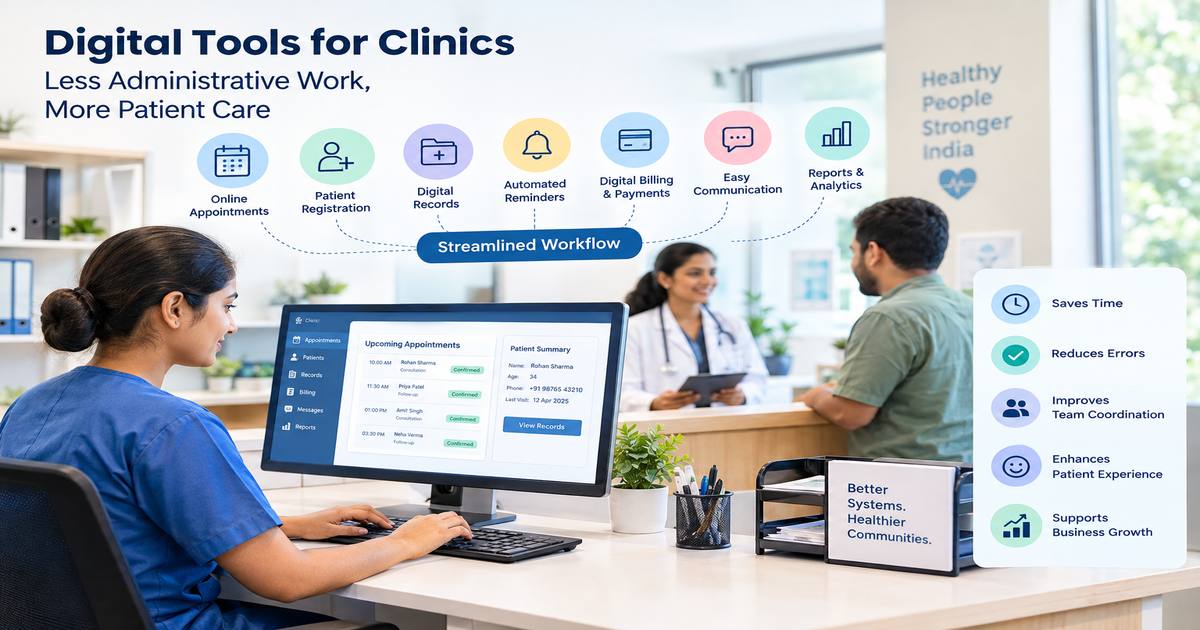
How Digital Tools Can Reduce Administrative Work for Indian Clinics
digital tools for clinics patient experience in clinics, clinic management software India,...
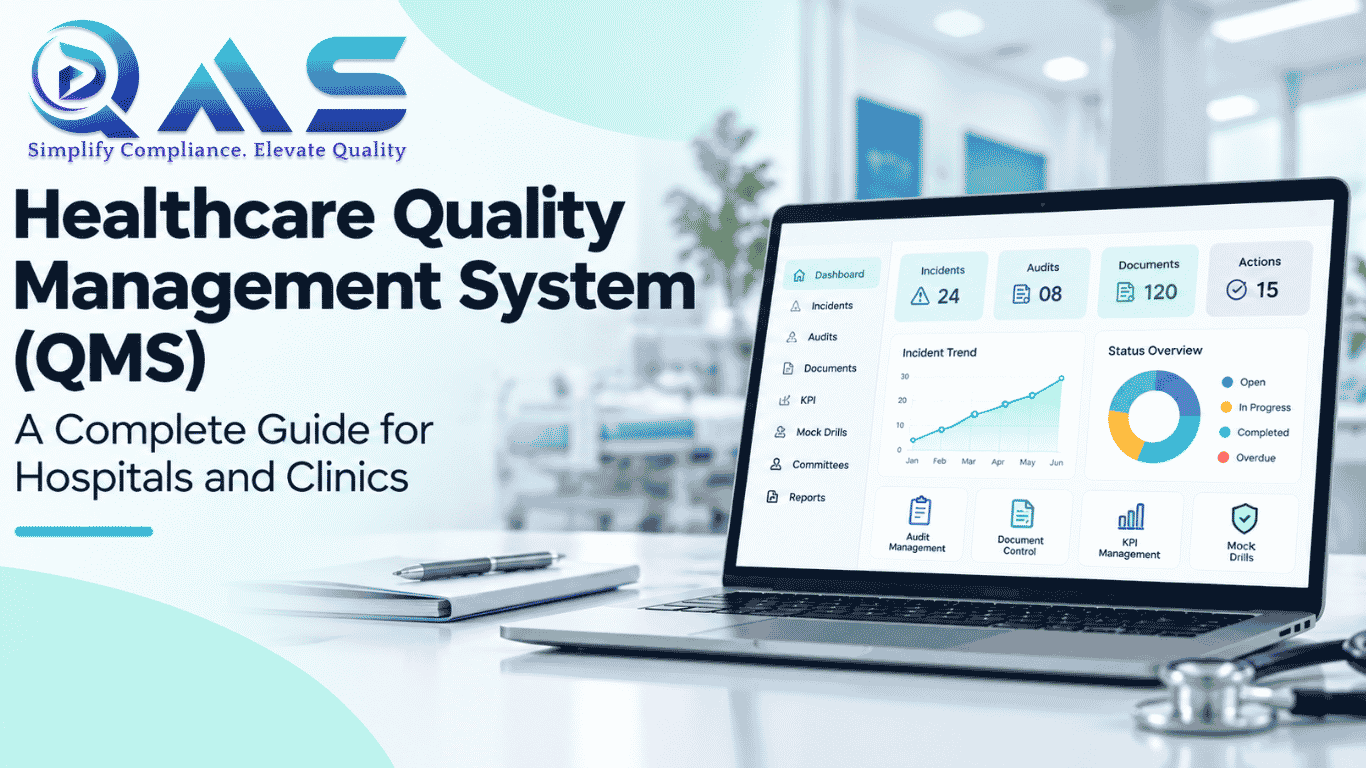
Healthcare Quality Management System (QMS): The Complete Guide for Hospitals & Clinics in 2026
Discover how a modern Healthcare Quality Management System helps hospitals and clinics imp...

Hospital Management Software Cost in India 2026: Complete Pricing Guide
How much does hospital management software cost in India? Explore pricing models, features...

10 Signs Your Hospital Needs a Hospital Information System (HIS)
Is your hospital still relying on paper records or disconnected systems? Discover the top ...

Why Every Hospital Needs a Hospital Management System in 2026 ?
A Hospital Information System (HIS) helps hospitals connect clinical, administrative, and ...